/cardconfig default-tcg
Choose a TCG from the list, for example Digimon, and save it as the server default.

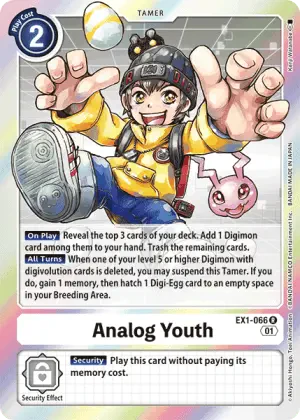





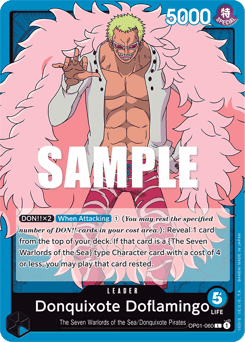
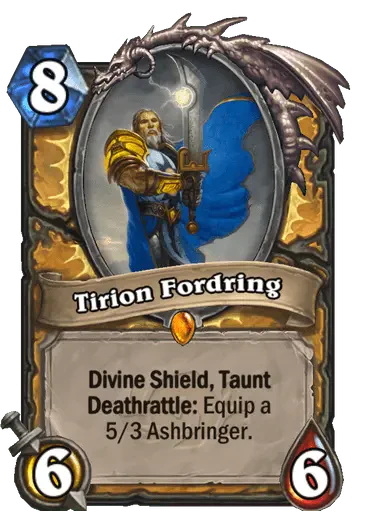
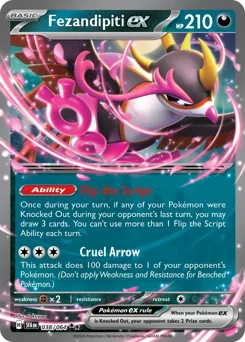
 Part of the cardcoderstudios.com collective
The CardCoder Studios bot helps players quickly find card information from multiple trading card games without leaving Discord.
Use the /card slash command to return card information from the selected game, or let your server's default TCG handle the selection automatically.
 Runs in Discord
Command: /card
tcg select options:
query: the card name to search for.
If no default TCG is configured, each card lookup asks the user to pick a TCG.





Server settings
Admins and users with Discord's Manage Server permission can configure the bot so card searches default to one game, such as Digimon.
Clearing the default returns the bot to per-request TCG selection, so every /card lookup asks which TCG to search.
/cardconfig default-tcg
Choose a TCG from the list, for example Digimon, and save it as the server default.
/cardconfig show
Show the current server configuration, including the active default TCG when one is set.
/cardconfig clear-default-tcg
Clear the saved default so users pick a TCG for each card search.
Step 1
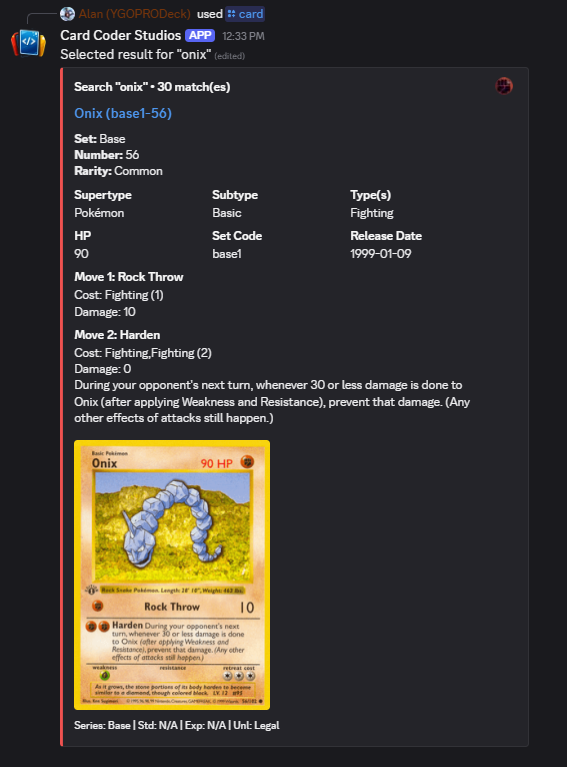
Run /card and enter a query like onix. If the server has no default TCG, choose one from the picker.
Step 2
If there are multiple matches, pick the exact card result from the returned options.
Step 3
The bot displays the selected card's details from that chosen TCG.